> For the complete documentation index, see [llms.txt](https://trylevel2.gitbook.io/getting-started/llms.txt). Markdown versions of documentation pages are available by appending `.md` to page URLs; this page is available as [Markdown](https://trylevel2.gitbook.io/getting-started/create-page/expired-strategies.md).
# Expired strategies
Monitoring strategy performance
Please note - All Strategies expire automatically after 90 days
### Step 1: Navigate to the Monitor Performance section
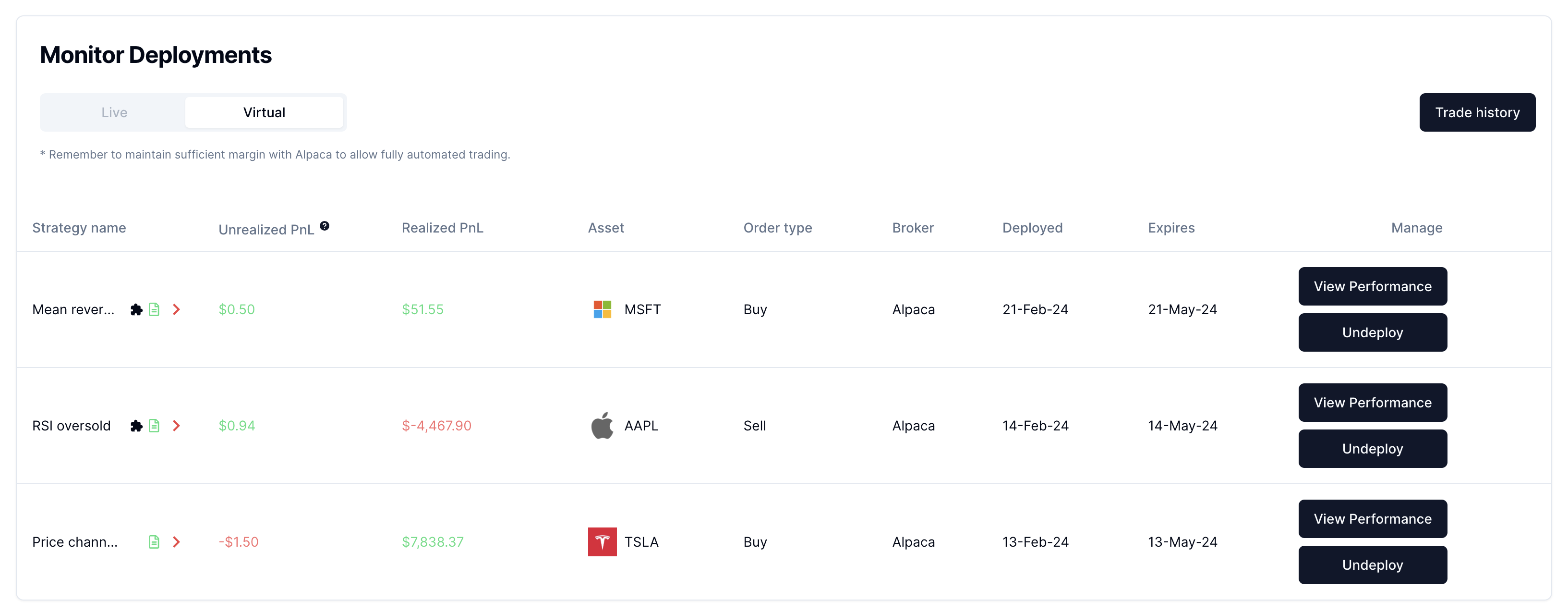
* Click the Trade option to access the Trade page. By default, when you access the Trade page, you will see all virtual and live strategies that are currently live/deployed listed
### Step 2: Open the Trade History tab
* Select trade history to see a complete listing of expired strategies.